How to Choose Case Management Software for Nonprofits (2026 Guide)
If you run case management or service programs at a nonprofit or agency, you already know the problem. Client records live in spreadsheets. Outcome reports take days to compile. New staff spend their first two weeks figuring out where things are stored. And when a funder asks for numbers, someone has to pull data from three different systems and hope nothing gets lost.
Case management software is supposed to fix that. But much of what shows up in a search is either too general or is built for hospitals, law firms or enterprise sales teams. It technically might have “case management” in the name, but it wasn’t designed for the way nonprofits and service agencies actually work.
This guide is for program managers, executive directors and operations leads at nonprofits who are either choosing their first case management platform or replacing one that isn’t working anymore.
What makes nonprofit case management different
General-purpose tools can technically track cases. But nonprofits run into problems that most software doesn’t account for.
Multiple programs, different everything. A typical community nonprofit might run a youth mentoring program, an employment readiness track and a family support initiative (each with different forms, workflows and reporting requirements). The software needs to handle all of them without forcing you to maintain parallel systems.
Funder reporting that can’t wait. Government grants and foundation funding come with specific reporting requirements. If your system can’t generate what funders need, you’re back to exporting data and building reports manually, which is the problem you bought software to solve.
Programs shift. Staff change. Nonprofit teams evolve. New programs get added, existing ones change scope, people leave, new people come in. The software has to be adaptable over time but still approachable enough that a new hire can start using it quickly and with confidence.
Pricing that scales against you. Per-user or per-client pricing models can break your budget or discourage growth. A platform that costs $50/user/month works fine with 5 staff. At 25, that’s $15,000/year that could fund programs and staff.
Missing data nobody talks about. Staff don’t always track what they should, when they should. Sometimes it’s a training issue, sometimes it’s a system design problem; some software makes it too easy to skip fields or too hard to know what matters. Either way, the reports suffer.
The real question isn’t features, it’s fit
There’s no shortage of feature software charts online. These may list dozens of features and still miss the point. The problem with feature-by-feature comparisons is that they rarely tell you how well the software will actually work for your specific programs.
The nonprofit case management software market has plenty of options, from large platforms designed for enterprise-scale organizations to smaller tools built for specific verticals. Each has strengths depending on organization size, program complexity and budget. But choosing between them based on a feature grid won’t tell you what daily use actually looks like.
What actually matters is whether the vendor understands your work well enough to build (or configure) a system that matches how your programs run, not how their demo looks. The difference between a good implementation and a frustrating one usually comes down to how much the vendor learned about your organization before beginning the work.
Some vendors treat the sales process more like a consulting engagement: they’ll ask to see your reporting requirements, walk through your workflows and identify potential problems before quoting a price. That approach takes longer upfront but tends to produce systems that staff actually want to work with instead of work around.
What to ask during a demo (the questions most people skip)
This is the part that matters most. Vendor demos are designed to show the software at its best. These questions push past the polished presentation and into what daily use actually looks like.
Bring the right people into the room. Don’t have leadership alone evaluate software that case managers will use every day. Involve the people who run programs and the people who build reports; their needs tend to differ and you want a vendor who can address both.
Prepare specific requirements, not general wishes. Write down what your system must do (the non-negotiables) and what would be nice to have. Rate them. If you can share an actual reporting requirements document, do it. The vendor’s reaction to that document tells you more than any feature demo.
Ask hard questions and push for honest answers. A vendor who says “yes” to everything is a red flag. Ask them where the system struggles. Ask them to show you the reporting tool with a real use case from your programs, not their standard demo data. Ask if there are areas the reports don’t cover well.
Understand the real pricing. Don’t just ask what it costs today. Ask what happens when you double your staff and clients in a year. Ask whether key features (like integrations or advanced reporting) cost extra. Ask about data import costs. Some platforms don’t charge per user or per record, that distinction matters a lot for growing organizations.
Ask about implementation and change management. Will you need additional resources to implement or maintain the system? What does onboarding look like for staff who aren’t tech-savvy? A platform that’s powerful but requires a dedicated admin to run creates a dependency most nonprofits can’t sustain.
Ask for real examples and use cases. Not a testimonial on the website, but real-world use for programs similar to yours. Any vendor confident in their product will provide good examples.
Making the decision
There’s no universal “best” case management software for nonprofits. The right choice depends on your program details, team needs, funder requirements and growth plans. What matters most is that the vendor treats the process like a partnership, not a transaction.
Look for a vendor who asks good questions, who wants to understand your programs before showing you features. Who prices the system around what you need, not around how many people will log in.
About CiviCore
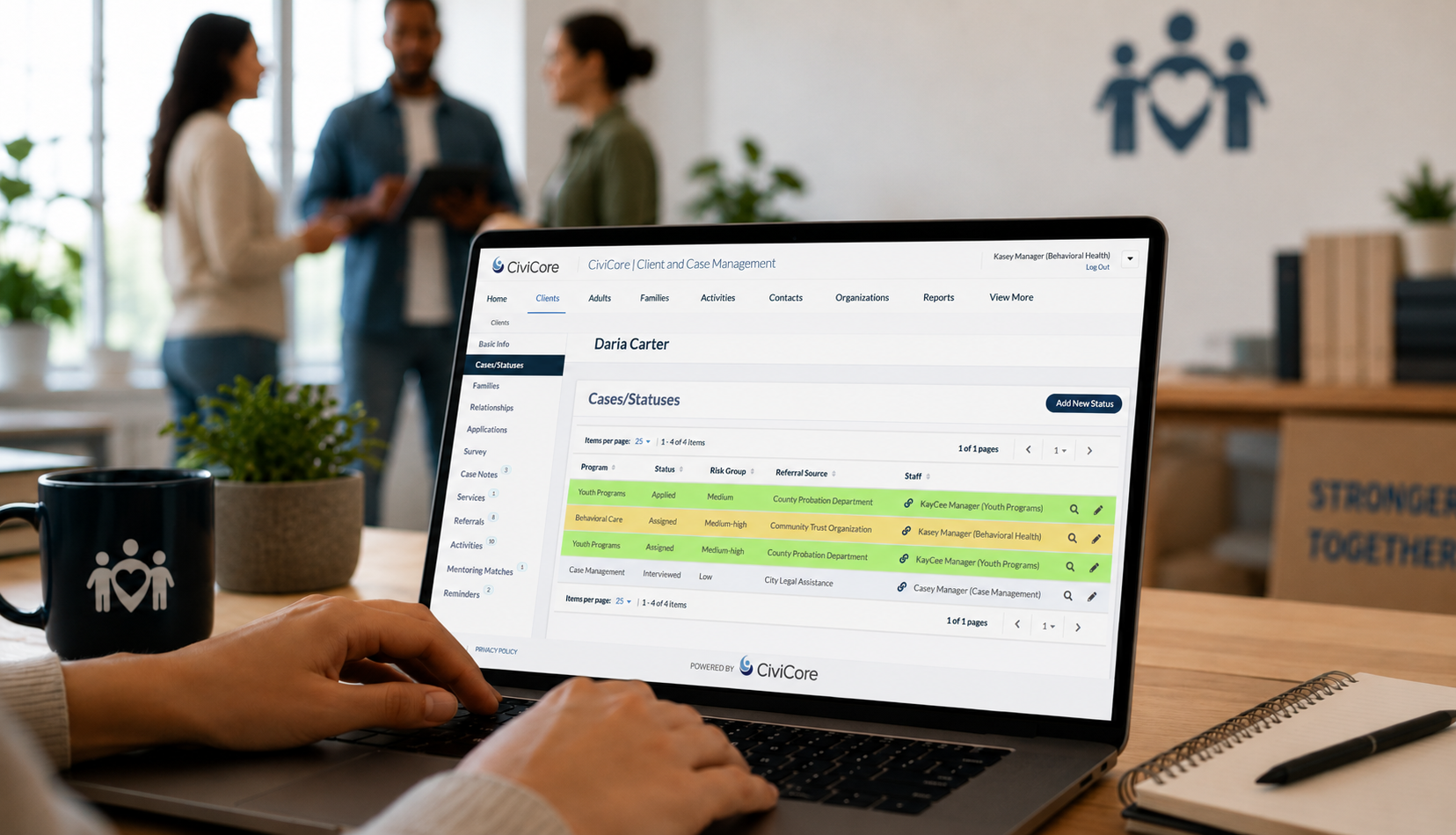
CiviCore is Libera’s case management platform built for nonprofits, community programs and local service providers. If your organization serves participants in human services, employment, education or community programs, it’s worth a closer look. You can explore sector-specific information or request a conversation to see if it’s the right fit.